nginx
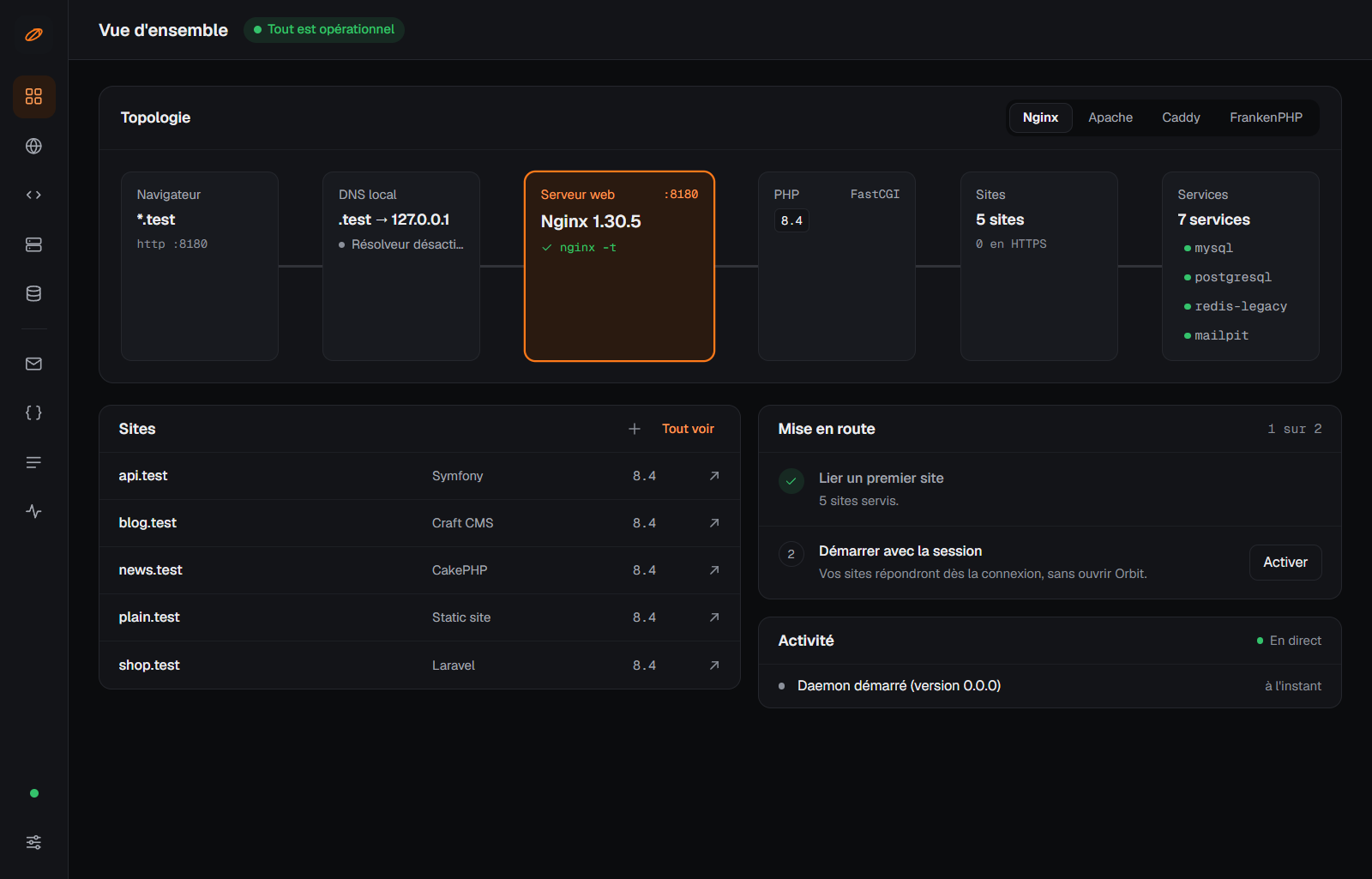
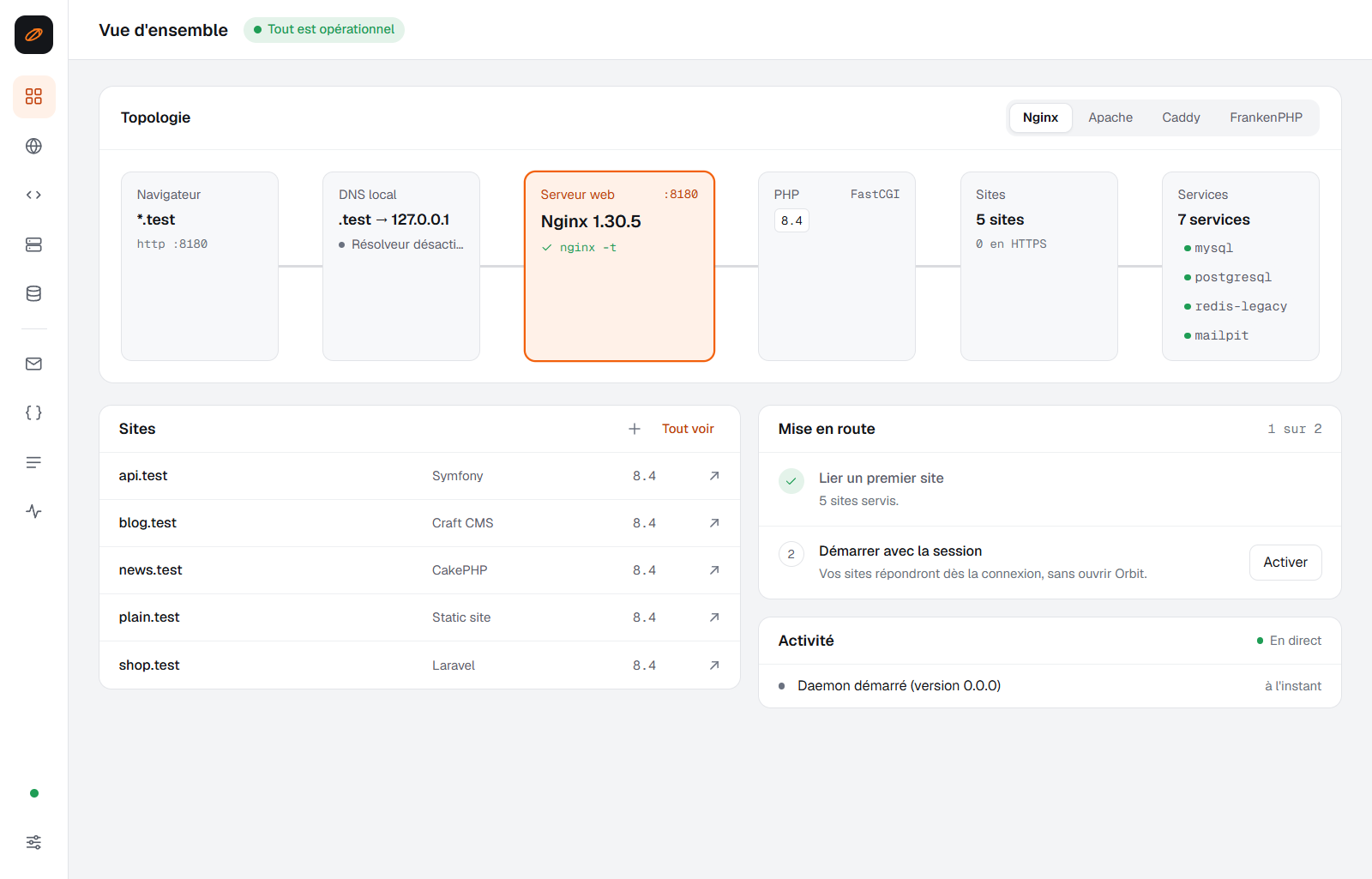
The fast default, with PHP pools behind FastCGI.
In active development · Windows first · macOS and Linux planned
Local PHP development
Sagittarius Orbit serves your projects at project.test with the PHP version, web server and databases they need — nginx, Apache, Caddy or FrankenPHP, switched in one click. Free, source-available, no account.
Web servers
Every configuration is generated from one description of your site, checked by the server itself before it is applied, and rolled back if it is refused. Switch servers live: your sites follow.
The fast default, with PHP pools behind FastCGI.
For projects that rely on .htaccess, with modules you turn on one by one.
Reloaded through its admin API, without dropping a request.
PHP built in, and worker mode: your app boots once and answers from memory.
Frameworks
Point Orbit at a folder: it detects the framework and serves it with the right document root and rewrite rules. Or park a whole directory, and every folder in it becomes a site.
PHP
Several PHP versions side by side, each downloaded on first use and checked against a signed manifest.
Services
Run as many instances as you need, older versions included, next to your sites.
Domains and HTTPS
No hosts file to edit: a built-in DNS responder answers for your sites.
New project · Command line
sgt new laravel blog creates a Laravel app in ./blog and serves it at blog.test. Fourteen Composer starters, and WordPress downloaded, configured and installed with its administrator account.
The app and the sgt command talk to the same background service: your sites keep running when the window is closed, and every action has a command.
# a Laravel app, served at blog.test$ sgt new laravel blog# an existing project, over HTTPS$ sgt link ~/code/shop --php 8.3 --https# every site moves to FrankenPHP$ sgt settings --web-server frankenphp$ sgt service add postgresql --version 16$ sgt check shop.testLicense
Apache 2.0 with the Commons Clause: use it, change it and fork it, at home or at work. The one thing you may not do is sell it.